
How to Create a Coloring Book for KDP: A Practical Walkthrough
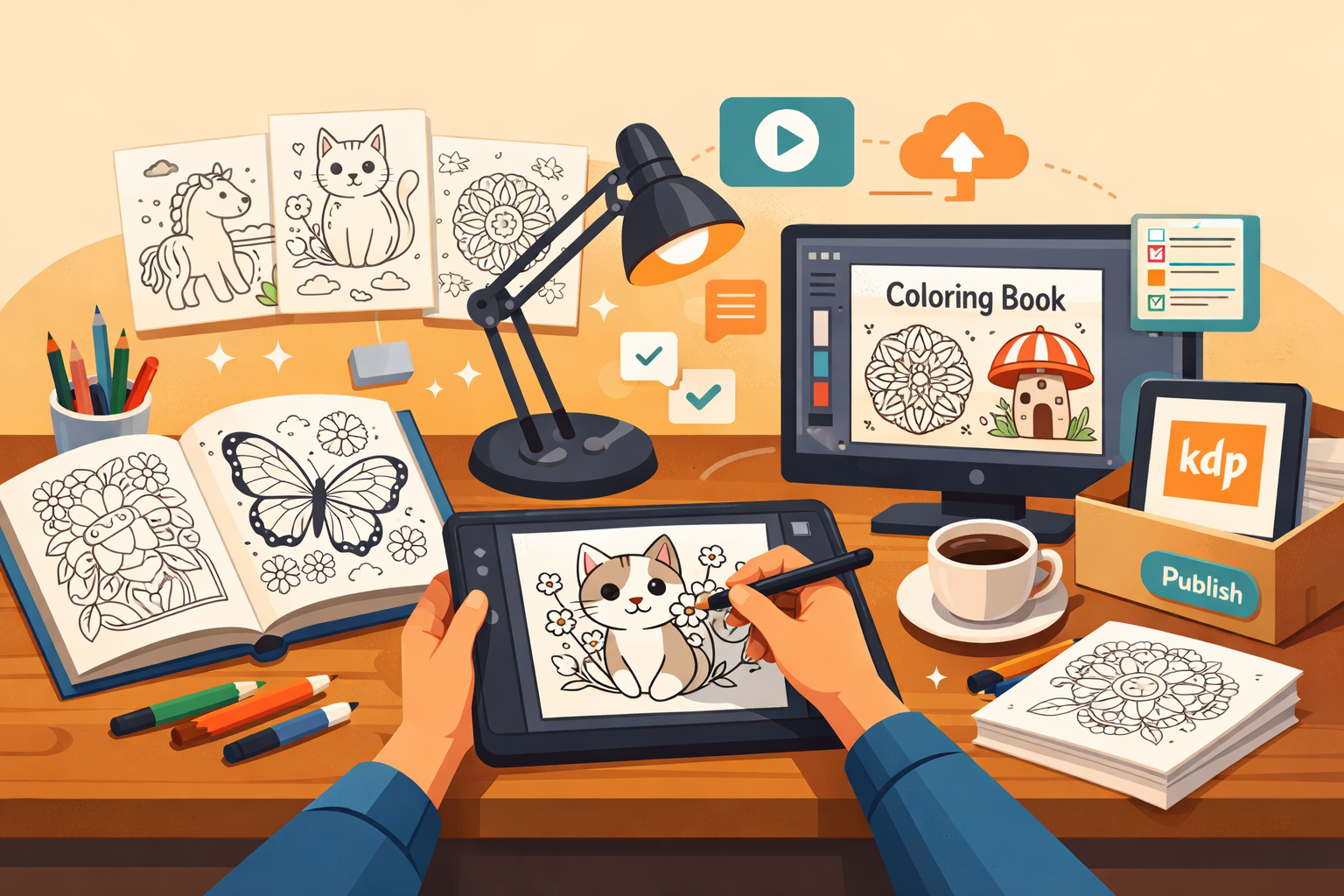
Coloring books remain one of the more approachable low-content categories on KDP because the creative bar is lower than a novel but the production standards are just as strict. If you're figuring out how to create a coloring book for KDP that actually sells, the process breaks down into three parts: choosing a category people search for, formatting the interior so it prints cleanly, and getting the listing in front of buyers. Here's how each piece works.
Pick a Category Before You Draw or Design Anything
The biggest mistake new publishers make is designing pages first and figuring out the niche later. Start by browsing Amazon Books Best Sellers in the coloring book subcategories, and cross-check demand with Google Trends to see whether interest is seasonal, flat, or growing. Adult coloring books tend to cluster around a few reliable themes:
- Mandalas and geometric patterns — evergreen, calming, easy to produce in volume
- Nature and botanical scenes — flowers, gardens, forests, animals
- Humor and swear-word pages — strong novelty appeal, often gift-driven
- Faith-based and inspirational quotes — steady demand tied to church and gift markets
- Pop culture parody art — risky for copyright reasons, approach with caution
- Seasonal and holiday themes — Christmas, Halloween, and similar peaks
Whatever you pick, validate it the same way you'd validate any low-content niche: check how many competing titles exist, how recent their reviews are, and whether the listings look like they're actively selling or just sitting there. If you want a deeper process for this step, the guide on getting started walks through niche validation before you commit design time.
Designing the Actual Pages
You don't need to be a professional illustrator to make coloring pages, but you do need clean, printable line art. Common approaches:
- Draw and vectorize by hand — most control, most time investment
- Use AI image generators for concepts, then trace or clean up in vector software — faster, but you must transform AI output enough to create a genuinely original, uncluttered outline rather than reselling a raw generated image
- Use pre-made commercial-use line art bundles — fastest, but check licensing terms carefully so you're not violating resale restrictions
- Design directly in a layout tool — Canva has coloring-page elements and templates that work well for simple mandala or pattern styles
Whichever method you use, keep line weight consistent and avoid tiny enclosed shapes that are frustrating to color by hand or difficult to fill digitally with apps like GoodNotes, since a meaningful share of adult coloring book buyers color on tablets rather than paper. If you're generating art with AI tools at any stage, LowContentLab's AI features page explains how AI-assisted generation fits into a KDP-compliant workflow, and the broader AI agents page covers automating repetitive parts of book assembly.
Formatting the Interior for Print
This is where a lot of otherwise-good coloring books get rejected or come out looking amateurish. A few non-negotiables:
- One design per page, single-sided printing. Most publishers select the